
Sona
Apple Music on your desktop. A native app, drawn on the GPU, with no web view.
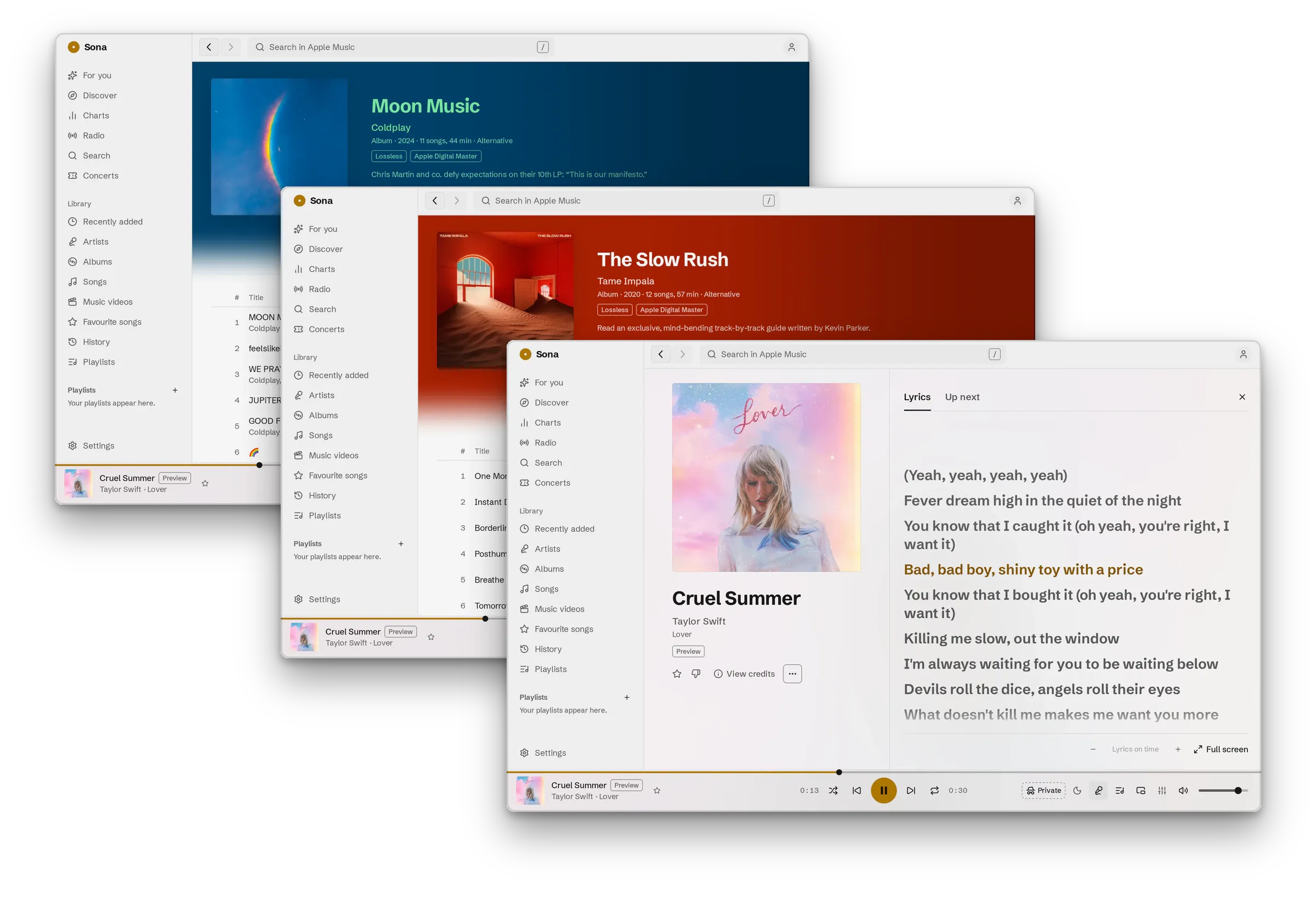
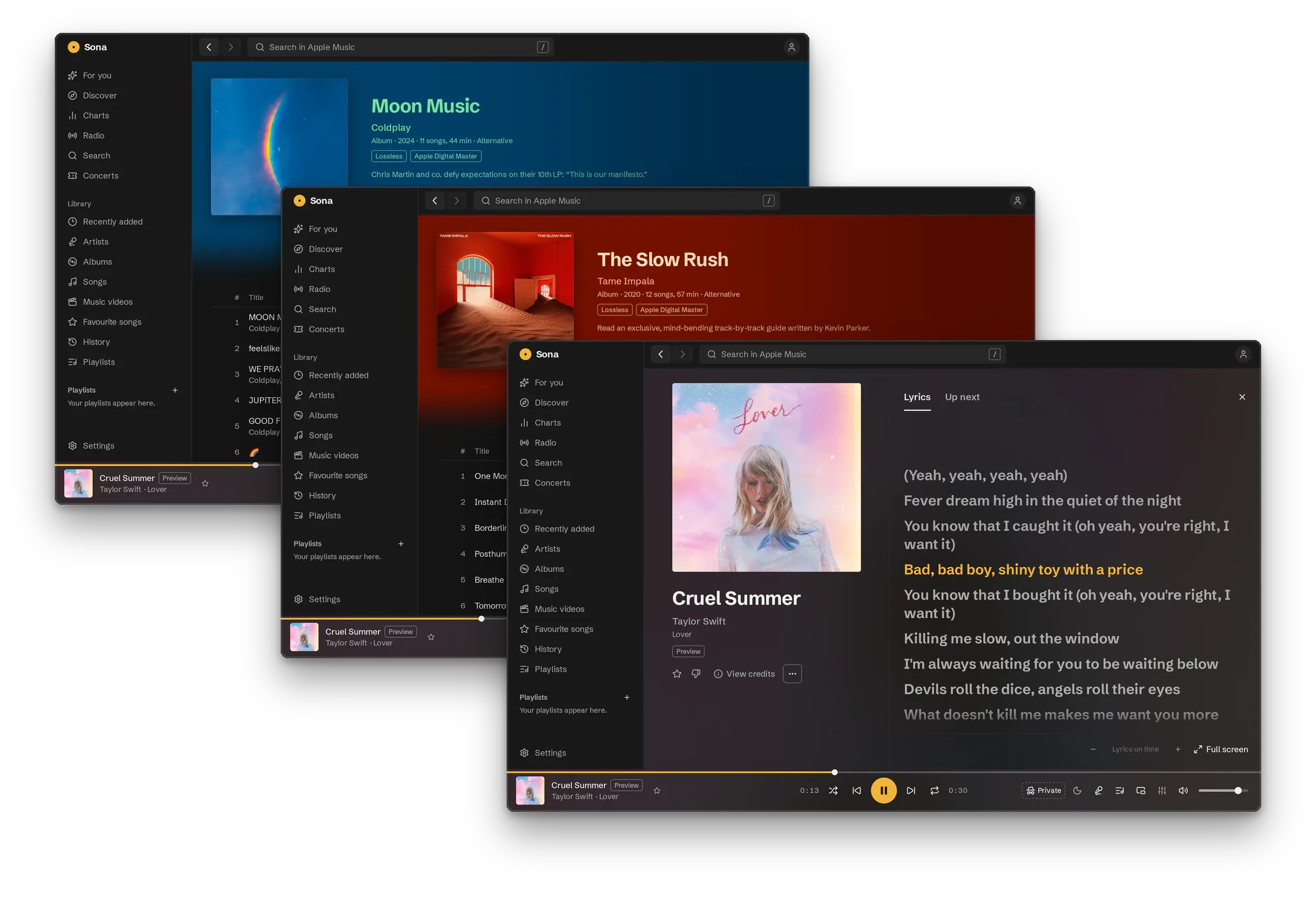
Sona is in early development, not a finished product. You need an Apple Music subscription. It runs on Linux, macOS (Apple silicon) and Windows (x64).
A native app
Section titled “A native app”Sona’s interface is drawn on the GPU by MyGo over GTK3, AppKit or Win32, with no web view. On Linux you get media controls, notifications and a tray. On macOS and Windows you get media keys and Now Playing.
Make it yours
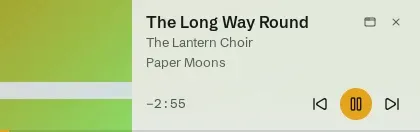
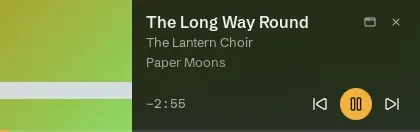
Section titled “Make it yours”Sona’s board is neutral so album covers show true colour, and amber marks what is playing. Twelve themes come with it, and you can write your own as a JSON file. Control the running app from a terminal or status bar with the command line, or use the small mini player.
Start here
Section titled “Start here”- Install Sona on Linux, macOS or Windows.
- Sign in with Apple Music.
- To help build Sona, read CONTRIBUTING.